How to Send a Fax to the IRS from iPhone
Faxing documents to the IRS from your phone? The app barely matters - the fax number does. Here's how to find the right one, send cleanly, and keep proof.
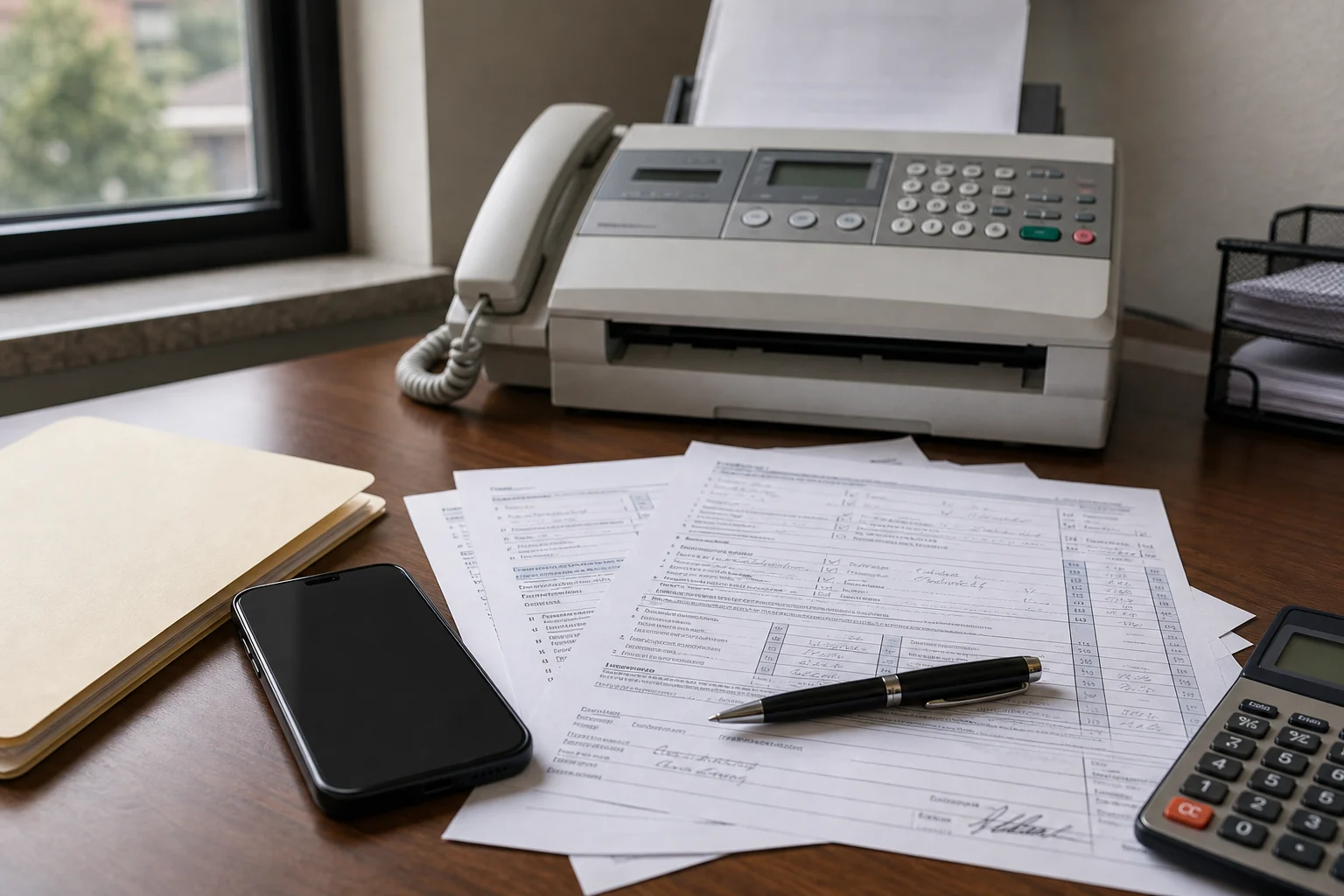
If the IRS asked you to fax something, you can prepare and send it from your iPhone. But here’s the part most guides bury: the app you use barely matters. The thing that decides whether your fax reaches the right place is the number, and with the IRS that’s rarely the number you’d guess.
There is no single, universal IRS fax number. It changes by form, by notice, and often by where you live. Get it from your IRS notice, your form’s instructions, or an official IRS.gov page - never from a random forum thread.
Before you fax anything to the IRS
Get these together first:
- The IRS notice, letter, or form instructions.
- The exact fax number from that source.
- Your identifying information, if the notice asks for it.
- The signed forms or documents you’re sending.
- A cover page, if the notice or instructions request one.
- A way to save the fax confirmation.
Why the number varies: IRS notices such as the CP2000 tell you to "fax your response to the location listed on the notice," and even a single form like Form SS-4 lists different fax numbers by where you're applying from (for example, 855-641-6935 for the 50 states and DC). The general Understanding your IRS notice or letter page simply points you back to the instructions on your own notice.
How to send a fax to the IRS from iPhone
Find the exact number
Use the fax number printed on your specific IRS notice, letter, or form instructions - not a generic one from a search result.
Gather the pages
Collect the signed forms, supporting documents, IDs, or statements the IRS actually asked for.
Scan or attach
Use a fax app like #Fax to add PDFs, photos, or fresh scans from your iPhone.
Add a cover page
If the notice wants one, include the identifying details exactly as it specifies.
Send carefully
Enter the IRS fax number digit by digit, double-check it, then send from your phone.
Save confirmation
Keep the sent record and confirmation. With the IRS, being able to show you sent it - and when - is worth having.
What people usually fax to the IRS
It depends entirely on your notice or form, but common cases include:
- A response to an IRS notice or letter.
- Supporting documents for an identity, income, or filing question.
- A signed authorization form.
- A corrected or requested form.
- Backup records the IRS specifically named.
A quick honesty note: this is general information, not tax advice. If you’re unsure what to send or where, follow the notice itself or ask a qualified tax professional - the stakes are too specific to guess.
Mistakes worth avoiding
- Using a fax number from a search result that doesn’t match your official IRS source.
- Leaving out the identifying information the notice requested.
- Assuming every IRS matter even accepts a fax reply - some don’t.
- Deleting your sent record or confirmation.
- Faxing blurry scans of important forms.
Should you mail it too?
Follow what your notice or form says. Some situations allow fax, some require mail, and some offer an online upload. If the IRS names a specific method, use that one - don’t hedge by sending three ways.
Can you fax IRS documents from iPhone for free?
Depends on the app, the page count, and whether you’ve used up any free sends already. #Fax is a fine place to start for a quick send from your phone, but check the send screen before you assume any app is free for your particular fax.
The takeaway: you absolutely can fax the IRS from an iPhone. Just remember the number and the instructions carry more weight than the app. Pull the fax number from your own IRS notice or official form instructions, send a clean and complete document, and keep the confirmation.